

Documentation Index
Fetch the complete documentation index at: https://docs.omni.co/llms.txt
Use this file to discover all available pages before exploring further.

Need help? Get answers from the docs with Omni's in-app AI! Log in to your Omni instance and open the Omni Agent in the sidebar.
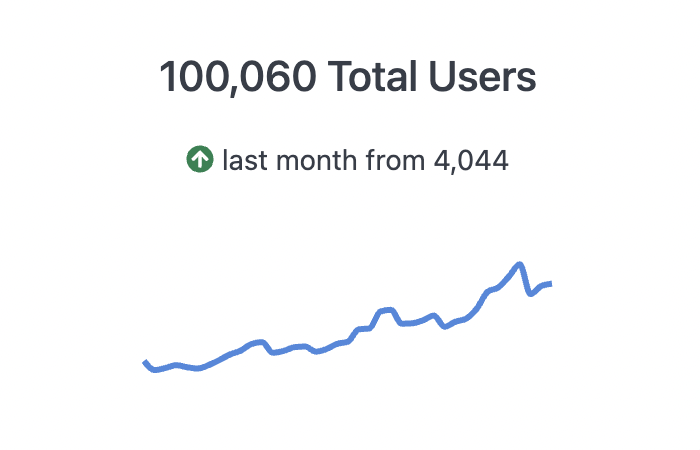
The code for this example can be used in the Markdown visualization to create a KPI-style visualization with a sparkline and change arrow.
Documentation Index
Fetch the complete documentation index at: https://docs.omni.co/llms.txt
Use this file to discover all available pages before exploring further.

<div style="display:flex; align-items: center; justify-content:center; flex-direction: column;">
<div style="display:flex; align-items: center;flex-direction:column;">
###**{{result._first.users.count.value}}** Users this Month
<p style="font-size: var(--font-sm);"> <ChangeArrow current="{{result.0.users.count.value_static}}" comparison="{{result.1.users.count.value_static}}"></ChangeArrow> last month from {{result.1.users.count.value}}
</p>
</div>
<Sparkline field="users.count" color="#4889DE" height=50% width=70% reverse=true></Sparkline>
</div>
Was this page helpful?