

The links can be exact, or relative references (e.g. /dashboards/<dashboard-id>) and are contained in the href field of an <a> tag as seen below. This example has very basic styling and only two tabs. Expand on it and add your own styles.
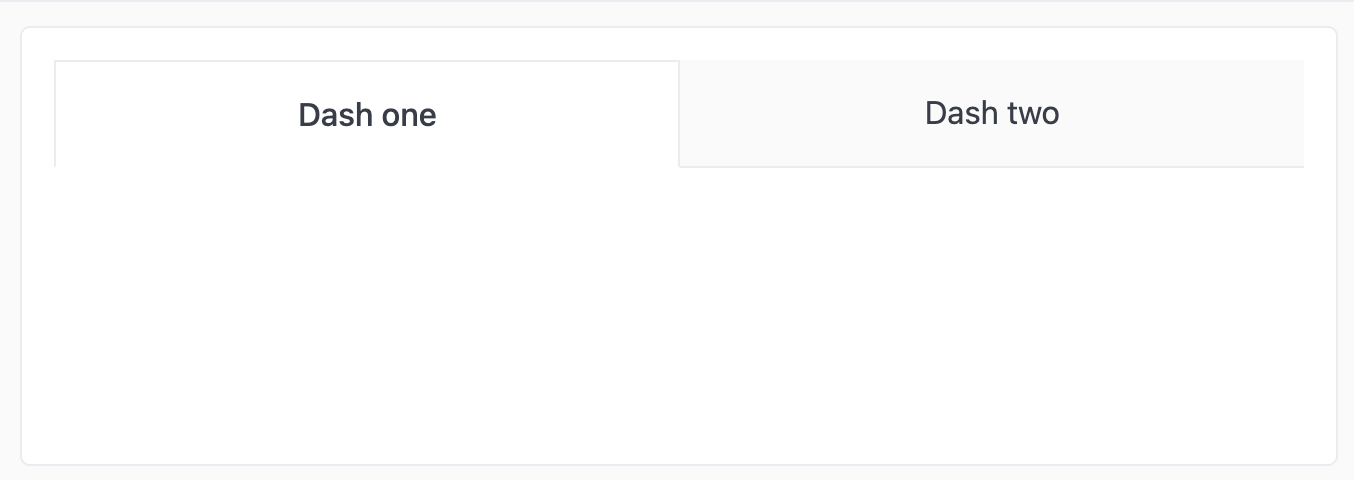
Example code

<style>
.dash-tabs {
  display: flex;
  flex-direction: row;
  justify-content: center;
  width: 100%;
}

.dash-tabs a.tab {
  display: block;
  width: 100%;
  text-align: center;
  text-decoration: none;
  padding: 16px 32px;
  border-bottom: 1px solid var(--color-border1);
  background: var(--color-background-alt);
  color: var(--color-text3);
  font-size: var(--font-md);
}

.dash-tabs a.tab.active {
  background: var(--color-background);
  border: 1px solid var(--color-border1);
  border-bottom-color: var(--color-background);
  font-weight: 500;
  color: var(--text4)
}
</style>

<div class="dash-tabs">
  <a href="https://www.google.com" class="tab active">
    Dash one
  </a>
  <a href="https://www.yahoo.com" class="tab">
    Dash two
  </a>
</div>