

Setup
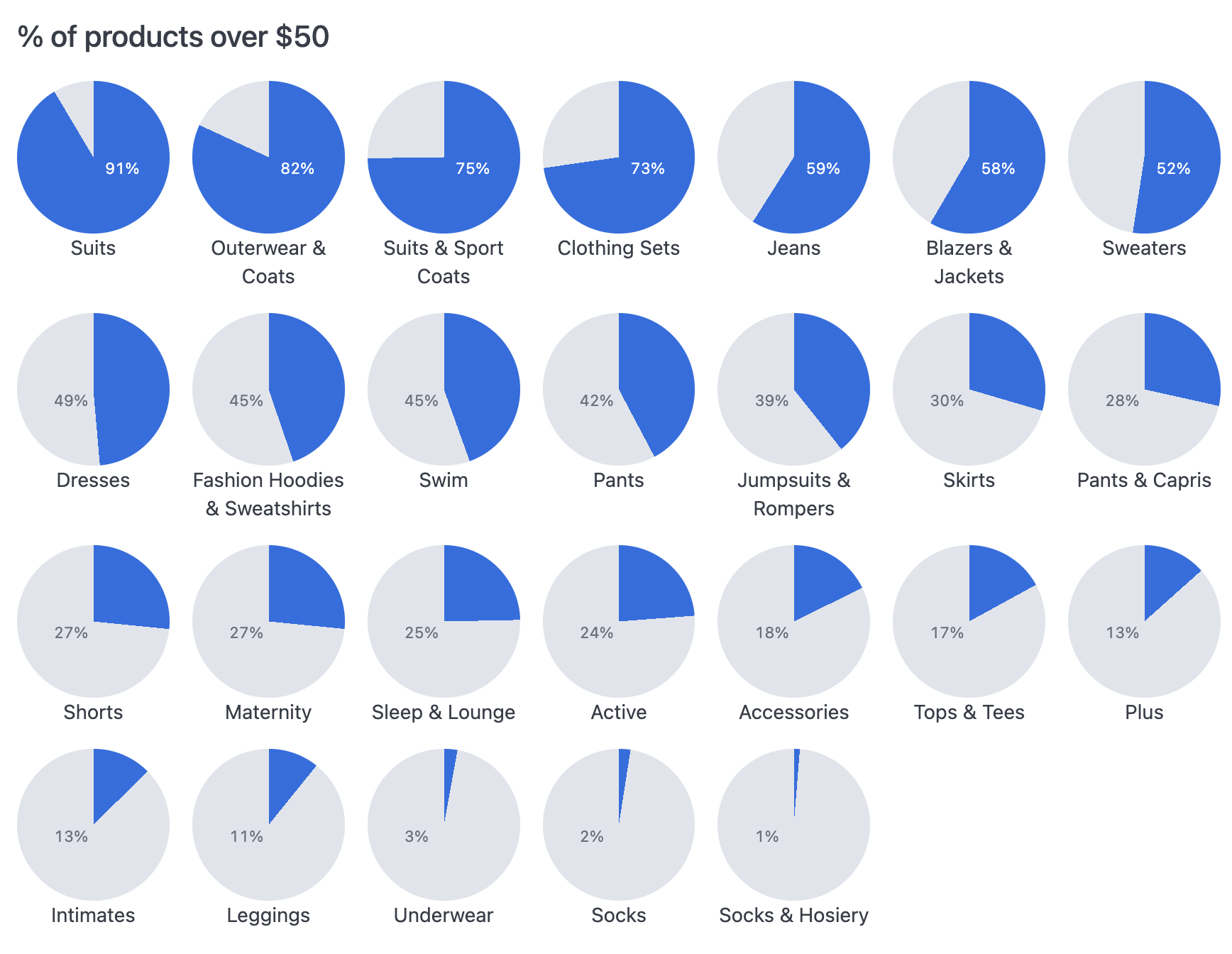
These charts use the Mustache iterator syntax to draw a shape for each row in the results. Your query should have a dimension that determines the number of pies and their labels and the values for the numerator and denominator to calculate the percentage fill. Then you’ll need to add a few calculations. The following table explains each field used in the example, including the calculation formulas.
| Col | Name | Description or formula | Purpose |
|---|---|---|---|
| A | Category | query field | determines number of pies to make and their labels |
| B | Products Count | query field | denominator for % calculation |
| C | Products over $50 | query field | numerator for % calculation |
| D | % over $50 (calc_1) | =C1 / B1 | calculation for filling pie, label |
| E | rotation (calc_4) | =D1 * 360 | calculation to get the degrees for drawing pie slice |
| F | label pos (calc_5) | =IF(D1 < 0.5, “left”, “right”) | calculation to help position and color the label |