

Requirements
To use this visualization type, you’ll need:- A query built on topic data
- To have the AI Visualization Summary setting enabled in AI Hub > General > Features. This is enabled by default.
Building the query
To get the best results in the summary, keep the following in mind when building the underlying query:- Avoid pivoting or swapping rows/columns in the query. This significantly reduces the context window, leaving little available for the actual data.
- Include calculations and totals in the query if you want the summary to reference them. This approach will provide better results over relying on the AI for calculations in the summary itself.
Adding context
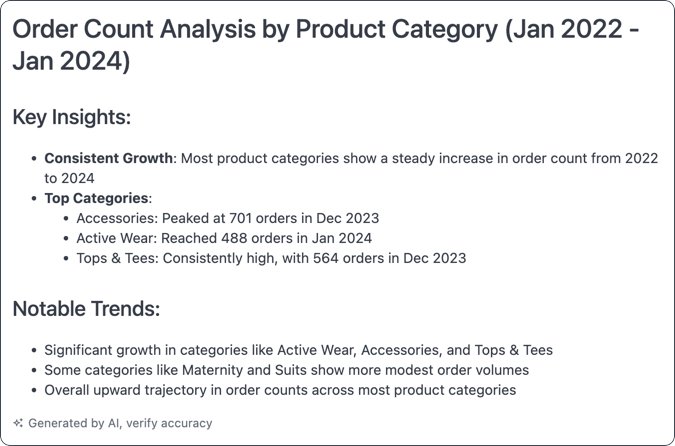
By default, the summary - not to exceed 60 characters - includes one sentence with the main takeaway and up to three short bullet points. Use the chart’s AI context, located in its Options, to ask for a different length, format, or level of detail.Example: Specific audience and content
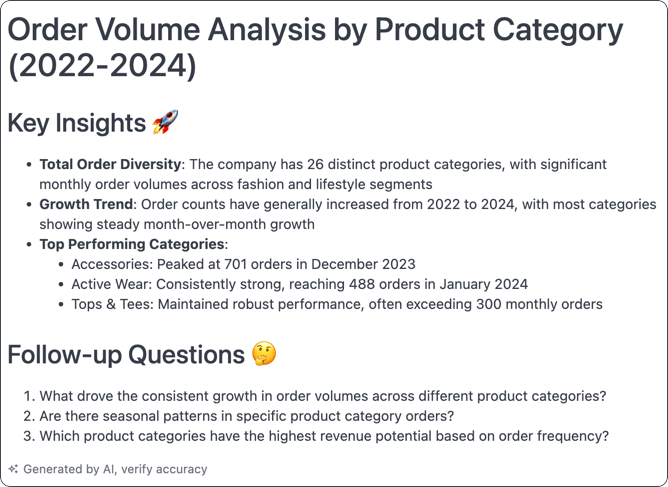
This example was given this context:Explain it to me like I am a ceo and give me 3 followup questions
Example: Specific tone
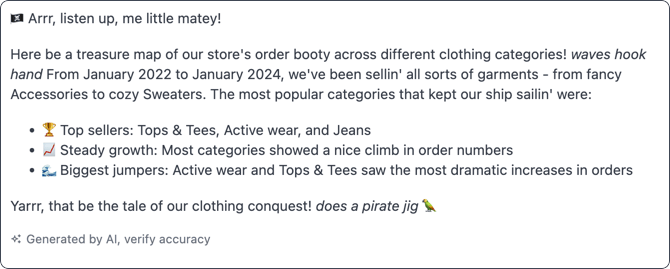
You can provide context to the AI that specifies the tone of the summary. For example,Explain it to me like I am 5 in a pirate voice
Example: Different format or length
You can ask for a different format or length than the default takeaway and bullet points. For example,Write one detailed paragraph or List the top 5.