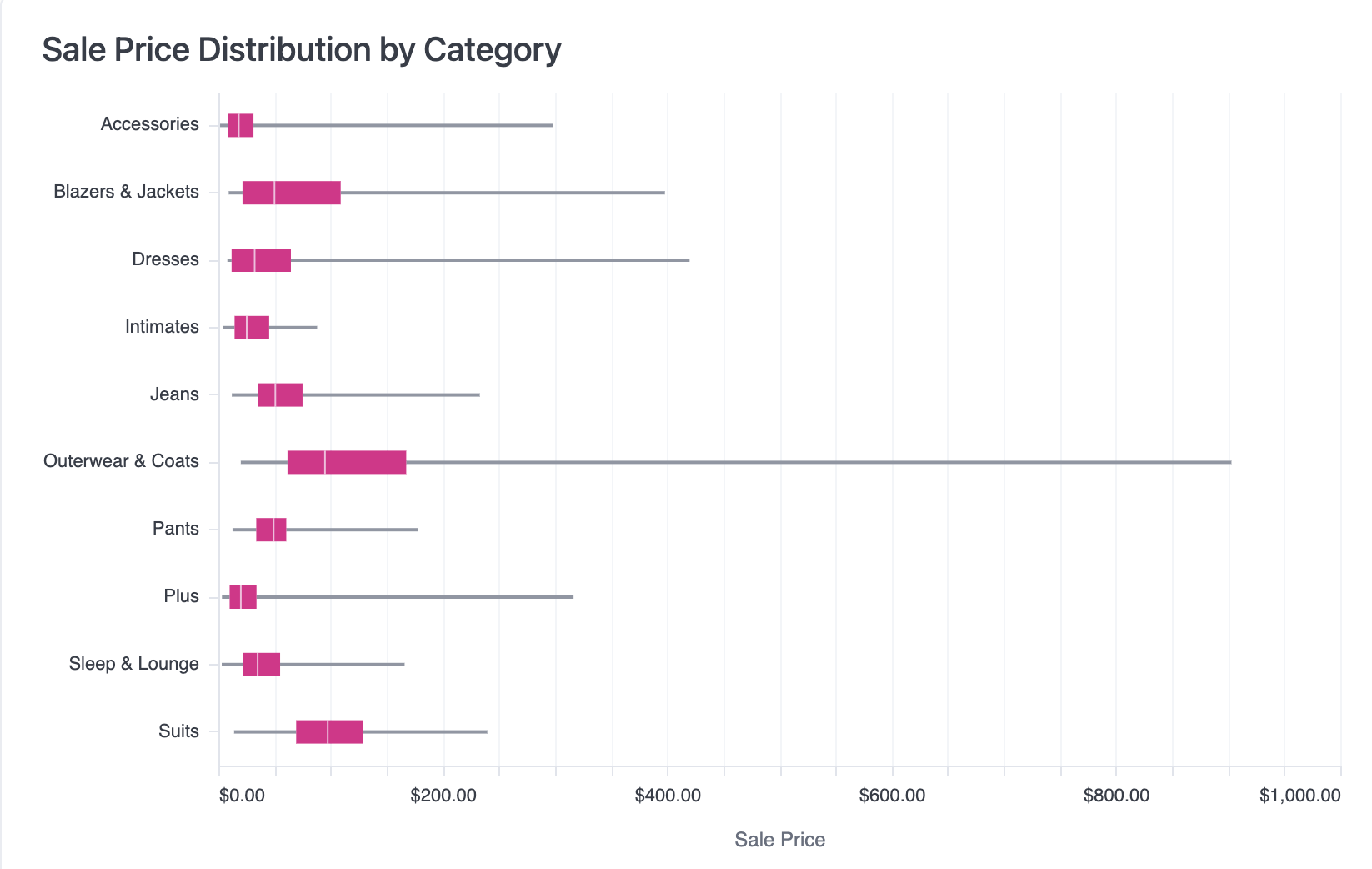
Create boxplot (box and whiskers) charts in Omni to visualize data distributions with quartiles, medians, and outliers.
Boxplot charts are a versatile and efficient way to summarize and compare data across categories. Sometimes called a box and whiskers chart, each boxplot shows the distribution of the data in that category by charting its five-number summary:
Minimum: start of the left whisker line
First quartile (Q1): left-edge of the box
Median (Q2): center line
Third quartile (Q3): right edge of the box
Maximum value: end of the right whisker line.
To configure a boxplot in Omni, your results should have a category on the y-axis and the unaggregated numeric values on the x-axis.
Looking to use dates within a Boxplot? You’ll have to cast the date field to a string first!
Was this page helpful?
Assistant
Responses are generated using AI and may contain mistakes.