Adding text tiles
To add a text tile to a dashboard:- Click Edit to enter draft mode.
- In the dashboard toolbar, click Add.
- Select Text.
Editing text tile content
While in draft mode, click into a tile’s content to open the Markdown editor in the properties panel.Creating dynamic content with Mustache
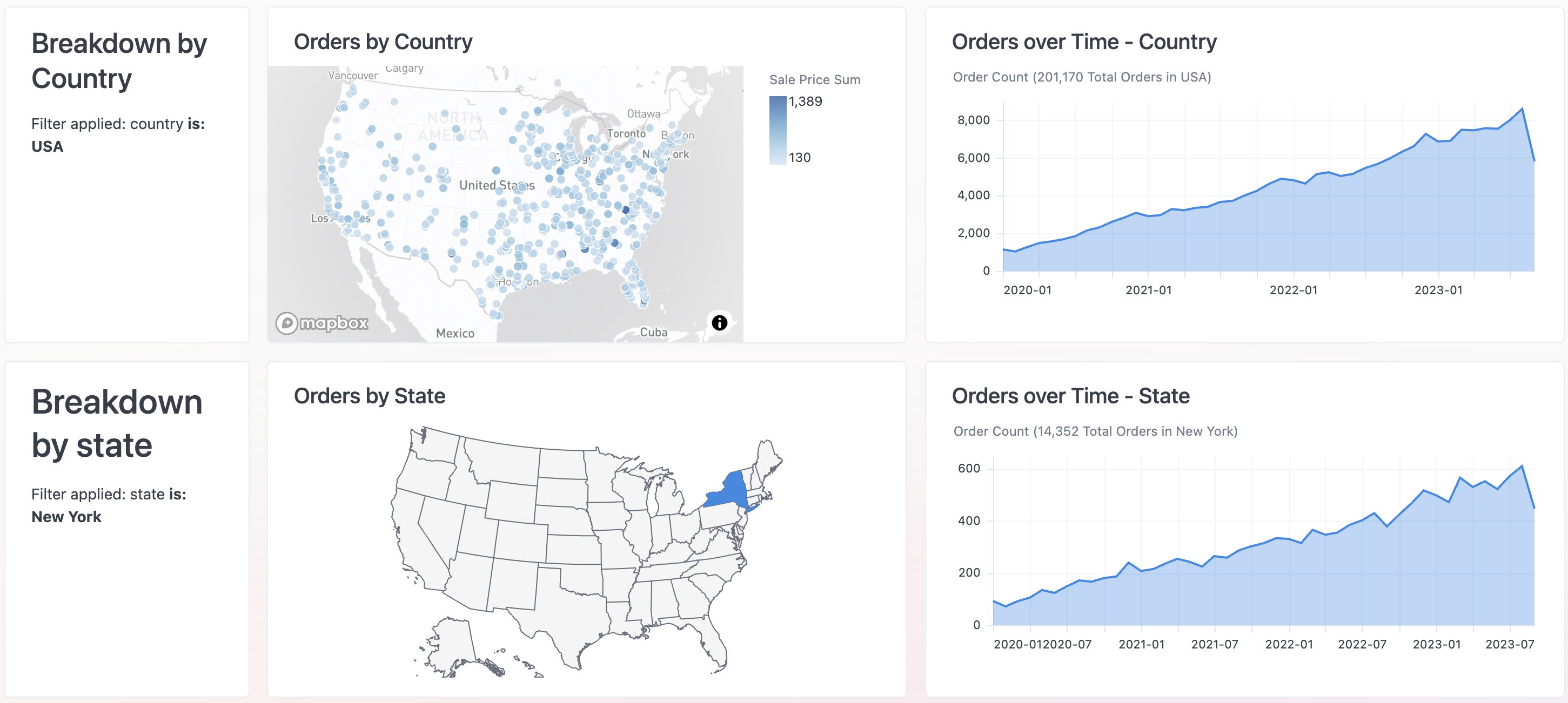
Omni supports Mustache syntax in Markdown visualizations and Markdown tiles, making it easy to add dynamic content to your dashboards. For example, the Breakdown tiles on the left side of the following image use Mustache to dynamically insert the current value of a filter: