

- Personalizing content for viewers by using their name, role, or other details
- Dynamically styling Markdown visualizations with CSS rules
Supported content
Mustache can be used in the following places:Markdown visualizations
Markdown visualizations
In this example, Mustache tags are used to reference specific values in the query’s result set. Note: Line breaks have been added for readability: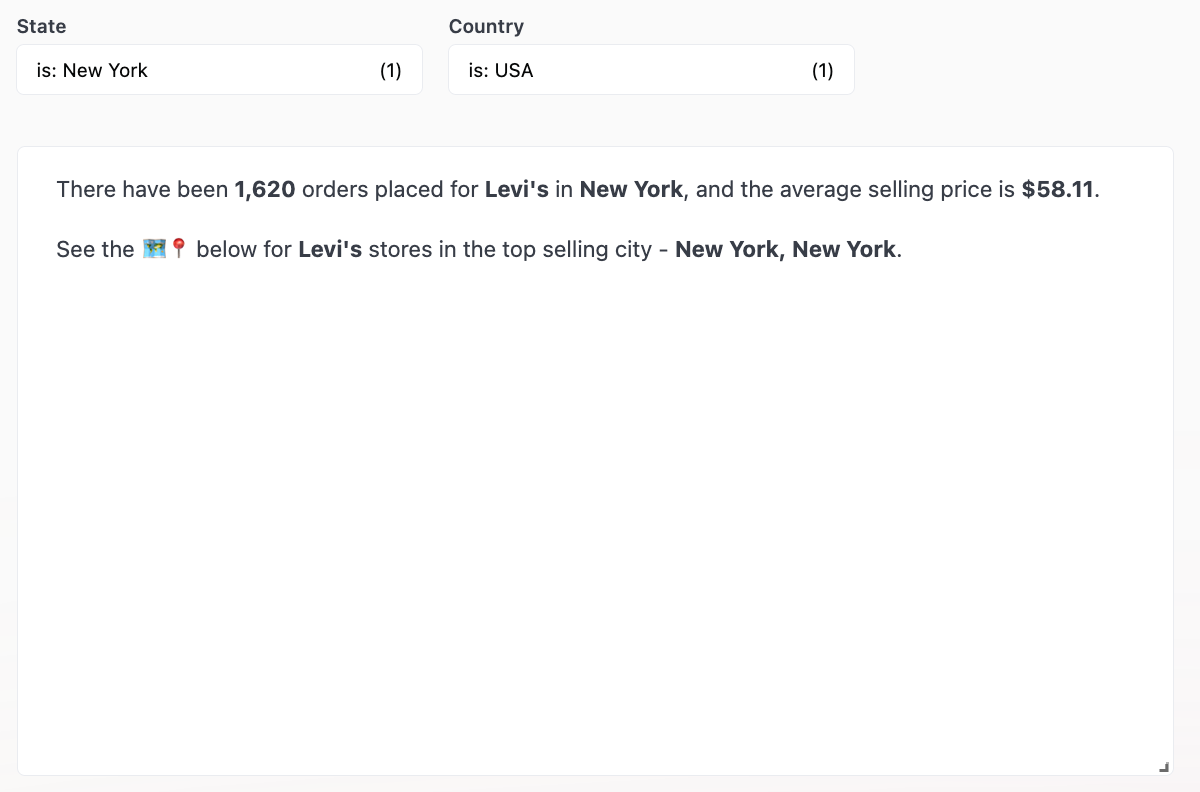
Dashboard text / Markdown tiles
Dashboard text / Markdown tiles
This example demonstrates how to create a dynamic Iframe with Mustache.Mustache tags are used to create a Google Maps search with a dynamic URL: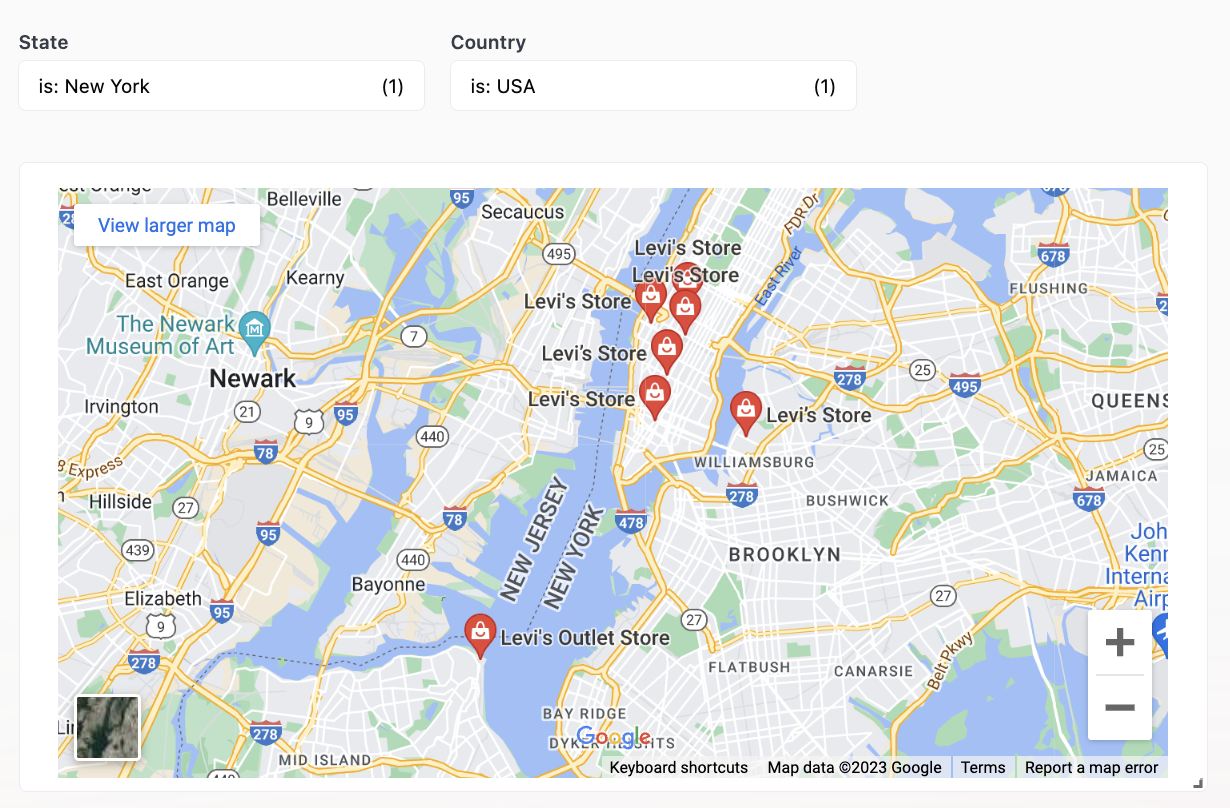
Visualization axis labels
Visualization axis labels
In this example, Mustache tags create a dynamic y-axis label that displays summary values and filter details.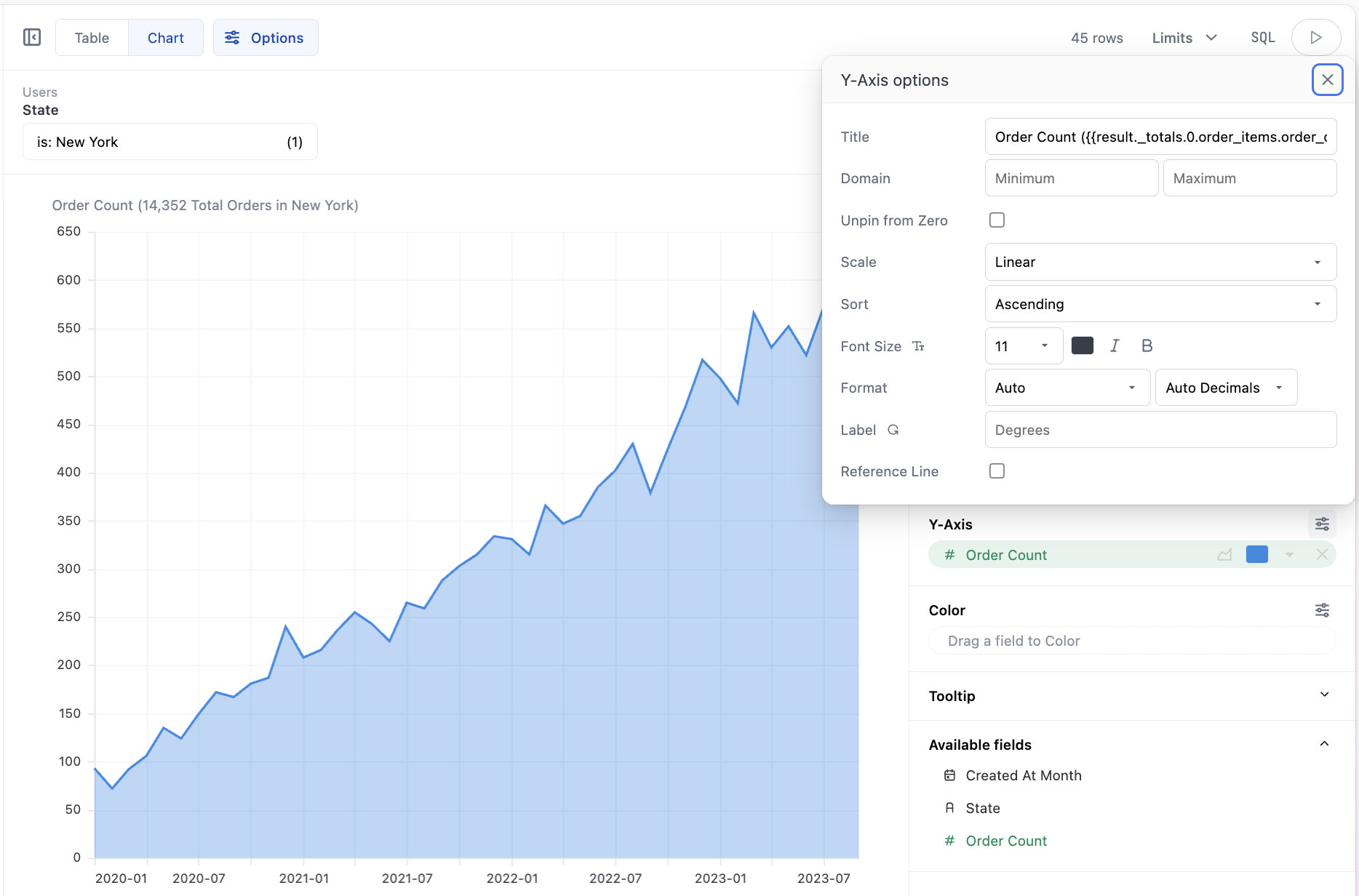
Available tags
Refer to the Mustache reference for a complete list of the tags Omni currently supports.Escaping
All tags are escaped by default. This means that text enclosed in{{}} will always render, even if you intend to just display the curly braces themselves.
To return raw contents without escaping, add an extra curly brace: