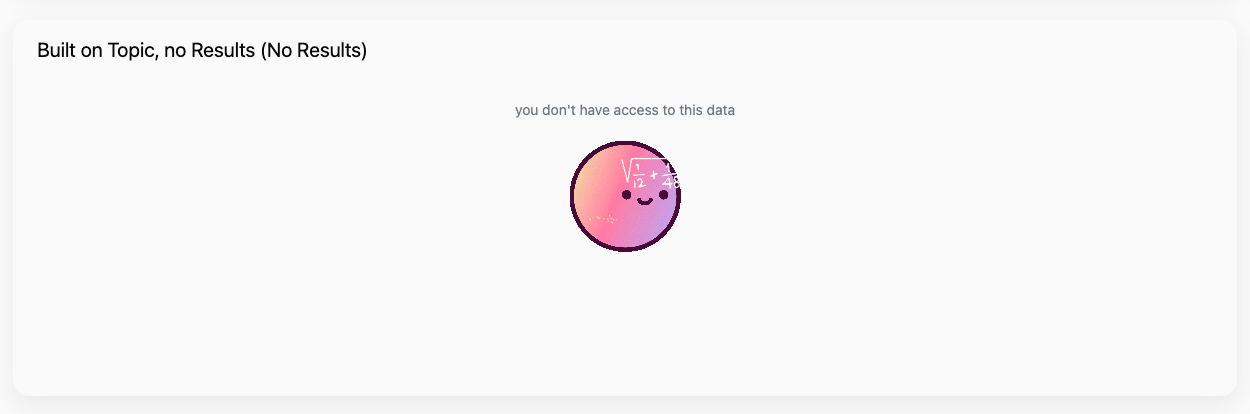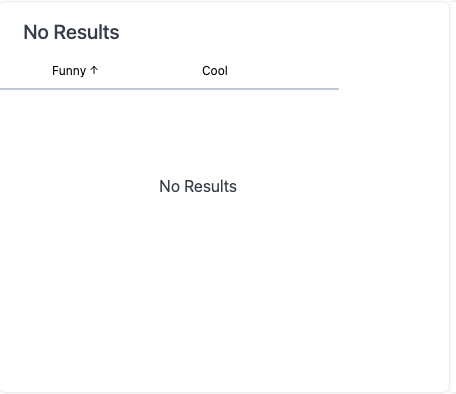
No results returned
Default state for a query with no results returned
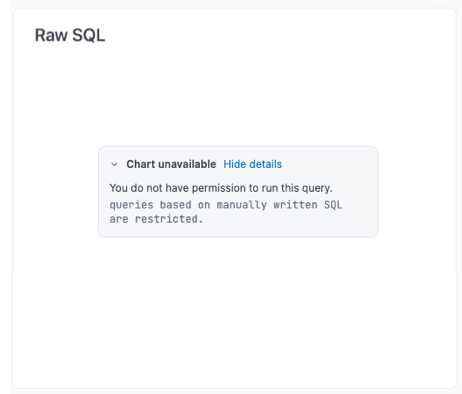
Error
Default state for a query in an error state
Requirements
To follow the steps in this guide, you need Editor or Manager permissions on the document you want to modify.Steps
If a query has No Results and an Error state, No Results will take precedent with or without customization.
- Navigate to the dashboard you want to modify.
- Click the Edit button in the upper right corner of the page to enter draft mode.
- Click Edit > Dashboard settings.
-
Locate the Custom messages section:
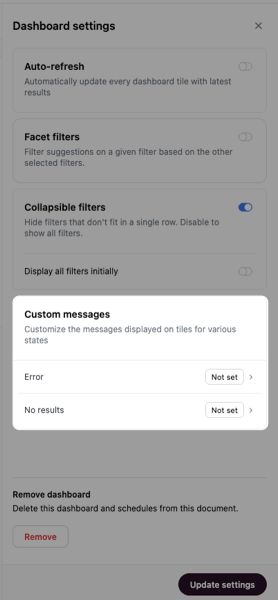
- Click one of the message types to customize it.
-
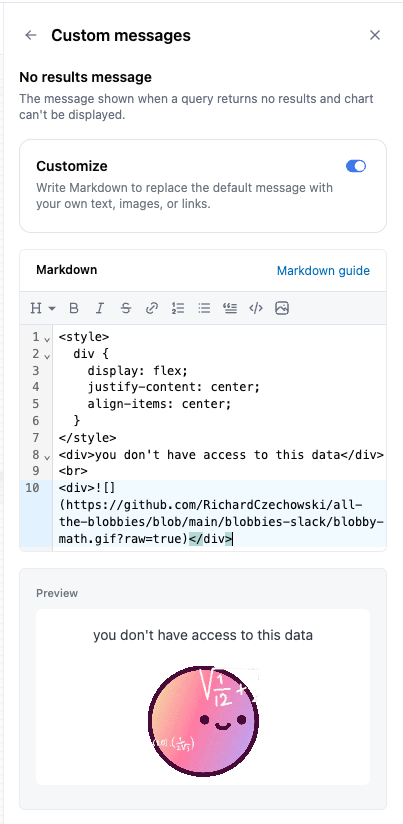
Click the Customize toggle, which enables the Markdown editor. You can use custom Markdown like the following to add and style your message:
Example of custom Markdown No results message
-
The preview of the message will update as you work. For example, this is the preview for the custom Markdown from the previous step:
- Your message saves automatically a moment after you stop typing.