Examples
Custom Dimension
Creating a Custom Field
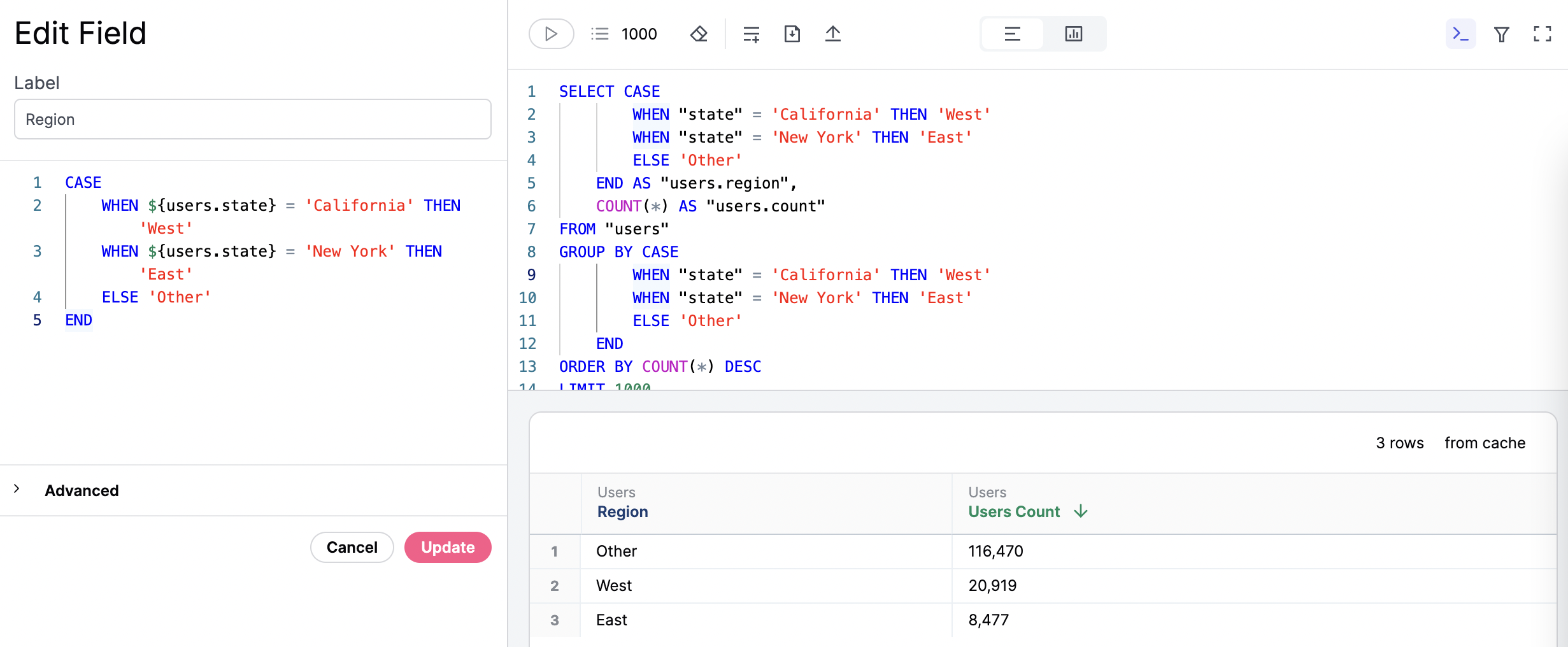
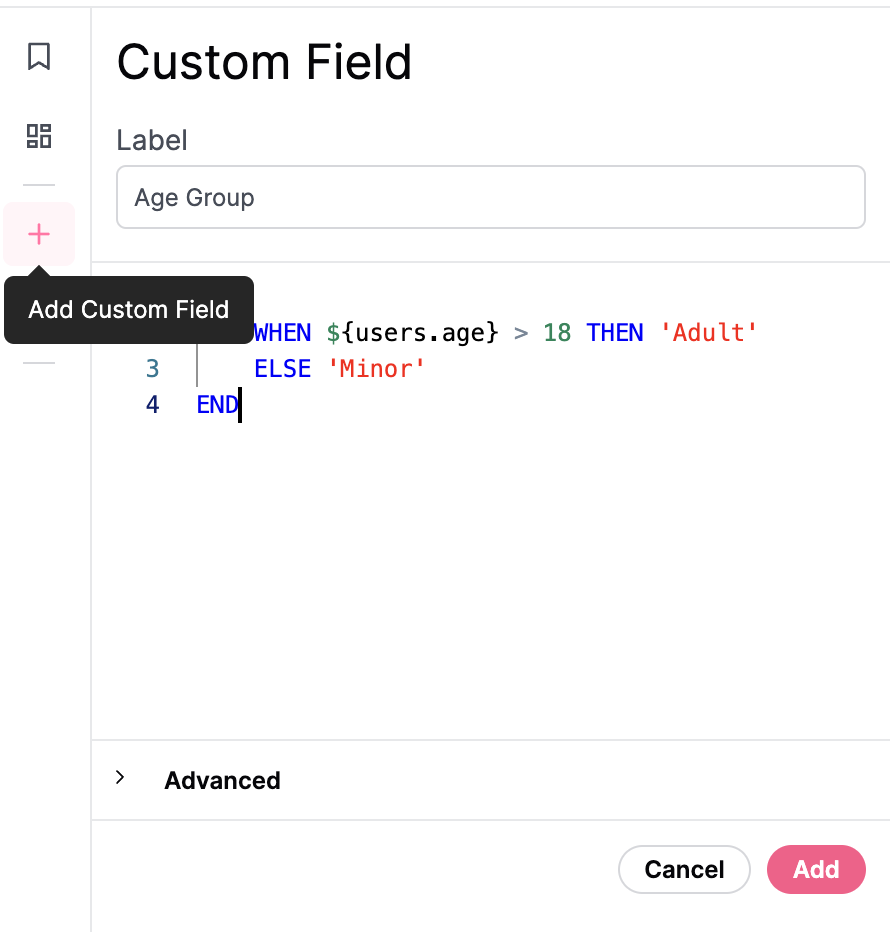
There are a few ways to create a new Custom Field. Once saved, the Custom Field will become available in the field picker.- Fields can be created from field picker, using the ”+ Add Field” menu at the bottom of the field list. Field can also be adjusted by right-clicking on any existing field and selecting ‘Edit.’
- Right click on any existing dimension and choose an aggregation (e.g. count distinct, sum, average, min, max). This will automatically create a new custom measure that appears in the field picker.

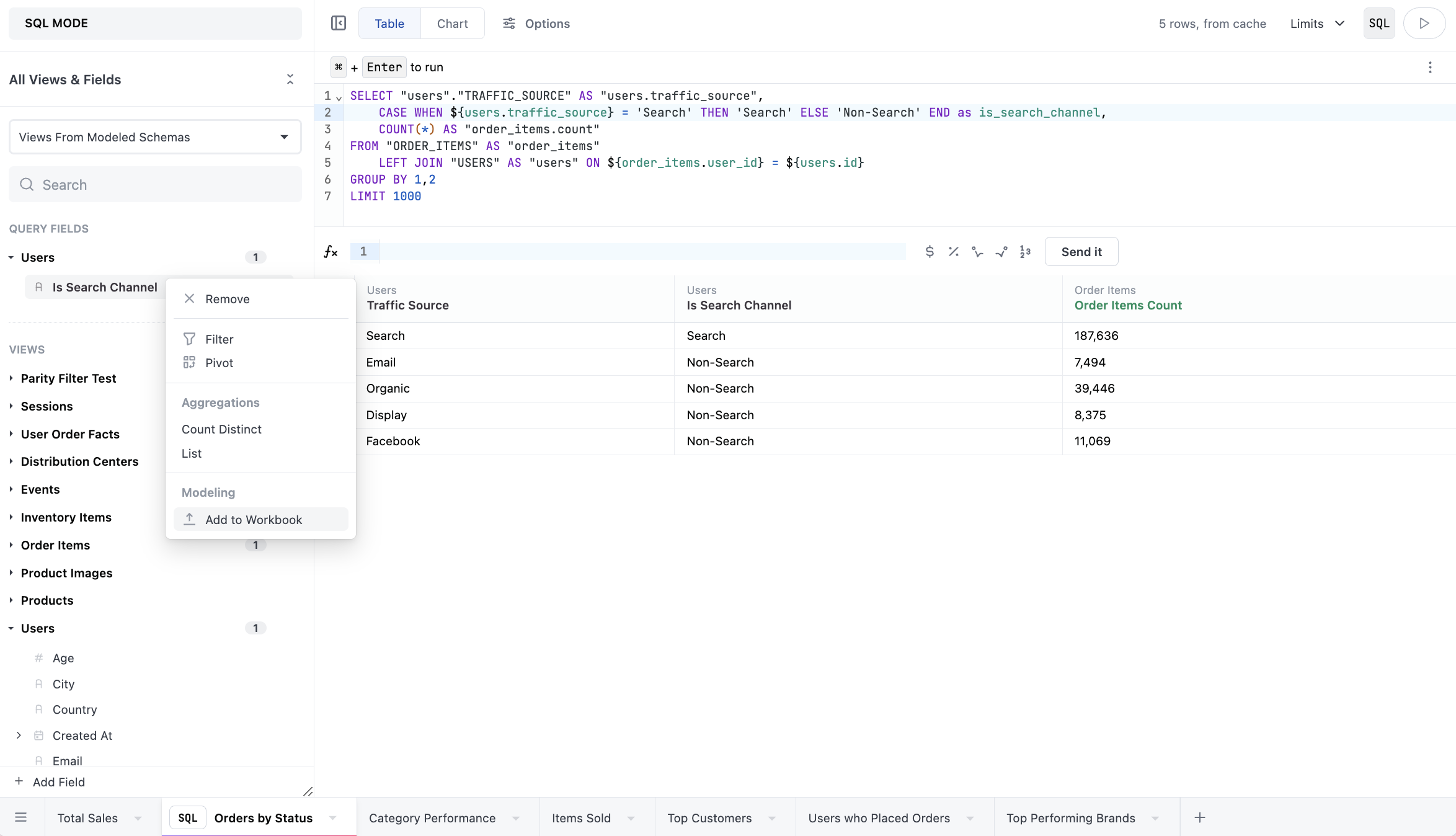
- Fields can be added from parsed SQL. When queries are run in SQL, Omni will extract valid snippets into associated potential dimensions. They’ll be shown in a special section at the top of the field picker called Tab-only fields. To add these fields to the workbook, right-click a field and select Add to Workbook:
Duration fields
Duration fields calculate the time difference between two timestamp fields in configurable intervals (days, hours, weeks, etc.). You can create duration fields directly from the workbook UI without writing YAML in the model IDE. To create a duration field:- In the field picker, right-click on a timestamp field you want to use as the start timestamp.
- Select Duration from the context menu.
- In the duration configuration panel, select an end timestamp field.
- Toggle the intervals you want to generate, such as days, hours, weeks, or months.
- Click Save to create the field.
Duration fields can also be defined in the model IDE using YAML. Refer to the duration parameter reference for syntax and examples.
Custom Field Syntax
You can think of a Custom Field as a snippet of SQL logic that gets injected into the generated SQL query whenever the field is brought into the analysis plane. To create one, simply write a snippet of SQL inside the editor. Optionally, you can leverage the substitution operator,${view.field}, to reference other fields. The substitution operator makes code more reusable and modular, enabling you to reference other objects. It’s particularly beneficial when you want to chain together logic. For example, if you previously created a different custom field, you can reference it without having to repeat the calculation again. And, if in the future you change the definition for that field, the change will propagate to everything else that relies on it.
When you add the custom field to a query, you can see the logic applied in the SQL block.