

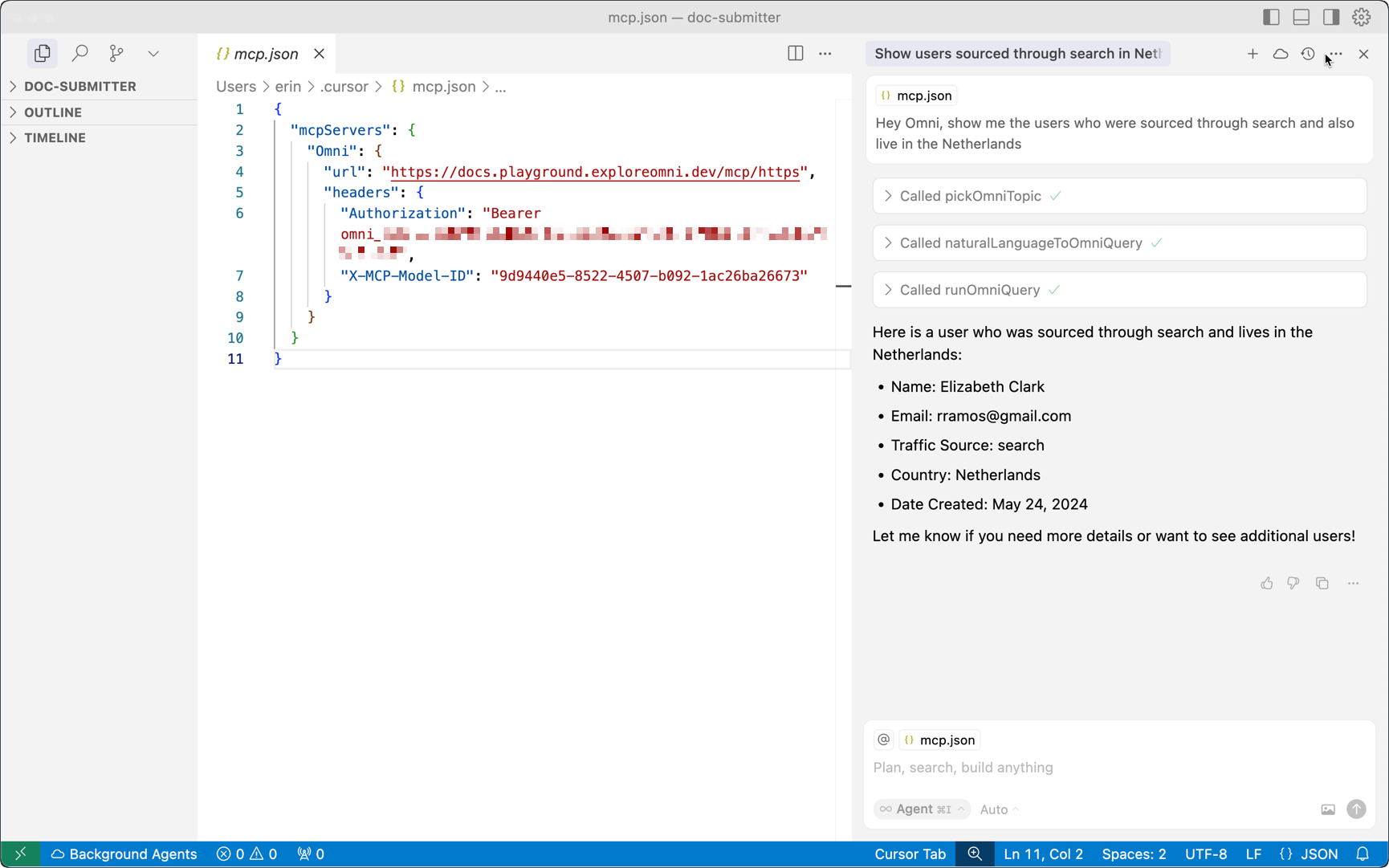
Features
- Natural language querying – Ask questions using natural language and let Omni translate it into a query
- Iterative, multi-step analysis – Chain queries together, retain results in memory, and perform deeper analysis across steps
- Flexible integration - Connect to a variety of compatible AI clients to expand beyond Omni’s native chat experience
- Dynamic model selection - Switch between Omni models during a session without reconfiguring the MCP Server
- Scoped, secure data access – Interactions are scoped only to the model (and topic, if provided) supplied to the MCP, preventing unauthorized data access when querying
- User level permissioning - MCP queries can be scoped to the permissions of a given user to pass through security from Omni’s semantic layer
- Inline app rendering - A saved app can render inline with live data through the MCP Server. See
showAppfor details.
Tools
The MCP Server includes tools for querying Omni data and searching the official Omni docs for product and “How do I…”-type questions. See MCP server tools for more information.Authentication
The Omni MCP Server supports two authentication methods:- OAuth 2.1 - Recommended. Streamlined setup through your browser. Omni creates API keys on your behalf automatically. Requires Personal Access Tokens (PATs) to be enabled for your organization.
- API key - Manual key creation for centralized management or automated workflows.
Data access and security
- Data access - Interactions are scoped only to the model (and topic, if provided) supplied to the MCP, preventing unauthorized data access when querying
- User permissions - All MCP queries use the permissions of the authenticated user, ensuring proper data access controls
- Data handling & security - Data returned from queries run by the MCP is handled the same way it is for Omni’s other AI features. Note: By using the MCP Server, your data will be in the tool where you use the MCP Server. For example, if you use Cursor with the MCP Server, your data would be in Cursor.
Requirements
To use the MCP Server, an Organization Admin must enable the following settings:- Enable AI in Settings > General and Omni Agent in AI Hub > Features. These are required to use the MCP Server’s querying tools, which are also used by the in-app Omni Agent.
- MCP server in AI Hub > MCP, plus the individual tool settings you plan to use - note that Single shot query generation (
getData) is disabled by default - For OAuth authentication, Personal Access Tokens
Getting started
Ready to get started? Check out the setup guides for the clients we’ve tested for compatibility:ChatGPT
OpenAI’s AI assistant with developer mode
Claude Code
Command-line based version of Anthropic Claude
Claude Desktop
App version of Anthropic Claude
Codex
OpenAI’s agentic coding tool
Cursor
AI-powered IDE designed for fast, agentic programming
Microsoft Copilot
Microsoft’s AI assistant, configured through Copilot Studio
Visual Studio Code
Popular open-source IDE with powerful AI features
Improving results
To get the best results, we recommend:- Optimizing your Omni models for AI. Refer to this guide to learn how to curate your models and include context.
- Rating the results that the AI returns