

Flattening and filtered measures
You can also flatten the pivot and create filtered measures by clicking the actions menu (three dots) on a column and selecting Flatten pivot. When using this feature you can also choose to create an Other bucket on the fly: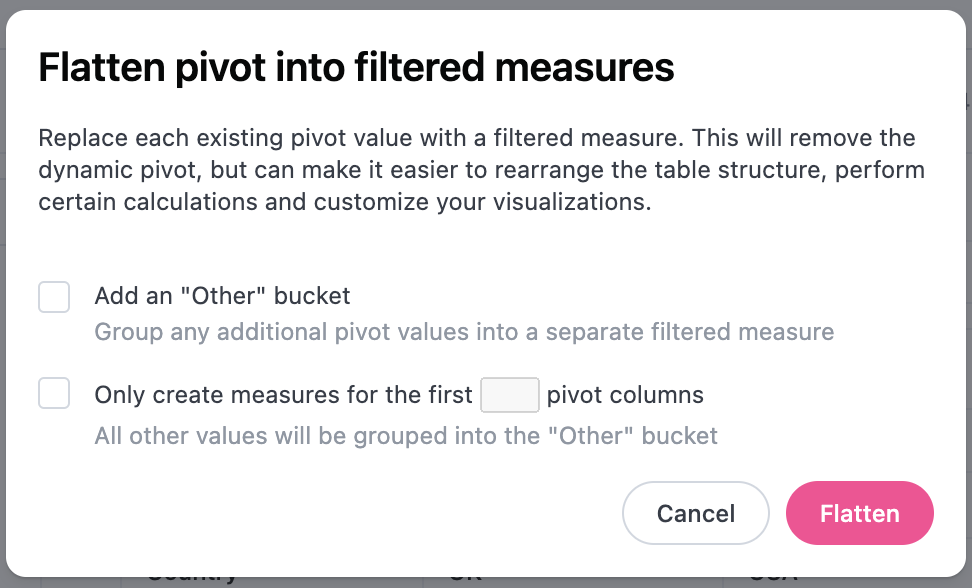
Grouping measures
-
Group Measures in Pivot - Applicable to pivot tables. When enabled, measures in a pivot table will be grouped together. Open the toggle below for an example.
Grouped measures in pivot example
Let’s say you have the following table, which is pivoted usingStatus:If Group Measures in Pivot is enabled, the table would become this: