> ## Documentation Index
> Fetch the complete documentation index at: https://docs.omni.co/llms.txt
> Use this file to discover all available pages before exploring further.
# Adding text with Markdown tiles
> Add styled text, images, and links to your Omni dashboards using Markdown tiles for annotations, headers, and descriptions.
## Adding text tiles
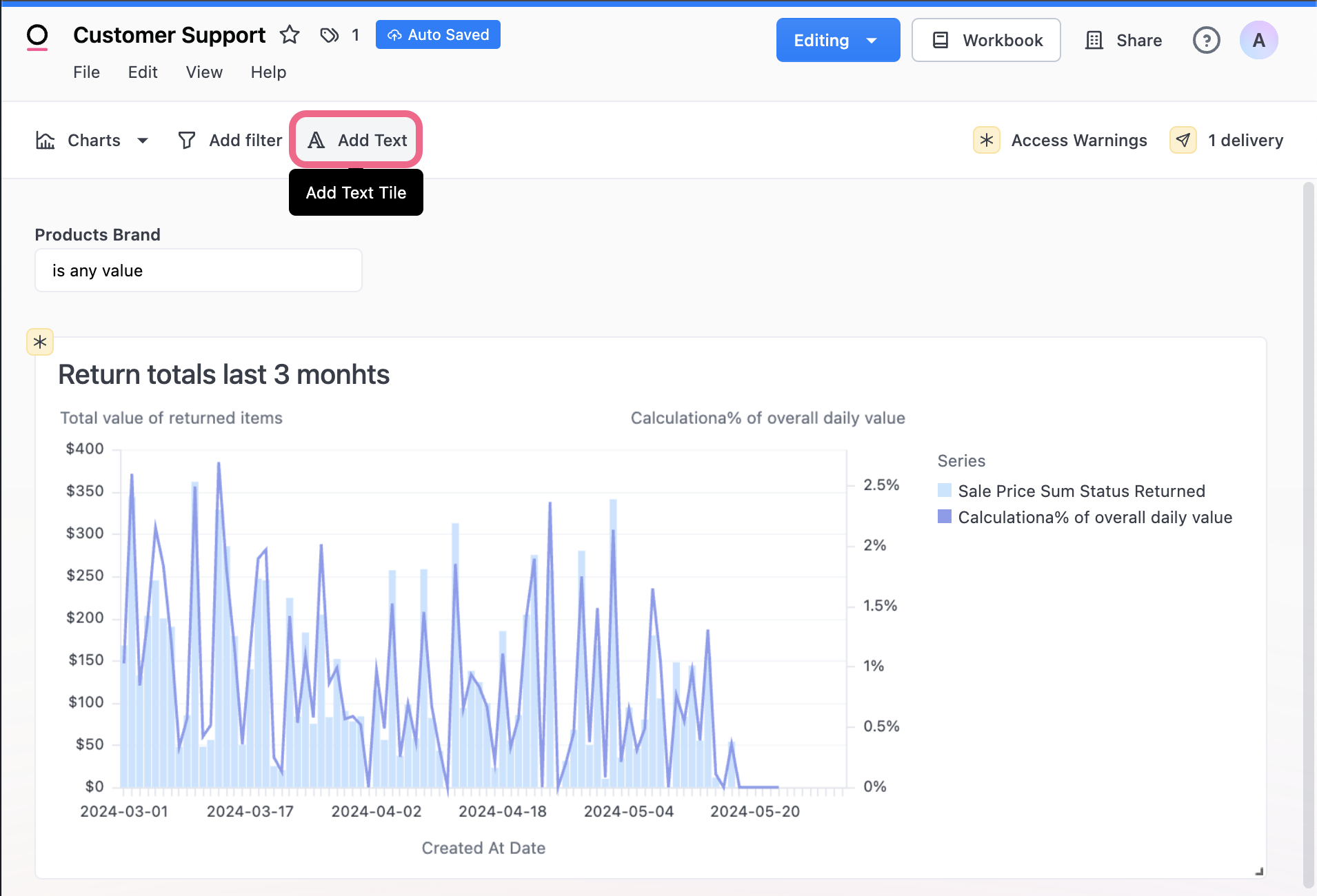
To add text to the dashboard, go into edit mode and select **Add Text**. Text tiles support markdown so you can add styling, images, links, and more. See a markdown syntax reference [here](https://www.markdownguide.org/cheat-sheet/).
 ## Creating dynamic content with Mustache
Omni supports [Mustache syntax](https://mustache.github.io/mustache.5.html) in [Markdown visualizations](/visualize-present/visualizations/types/markdown) and Markdown tiles, making it easy to add dynamic content to your dashboards.
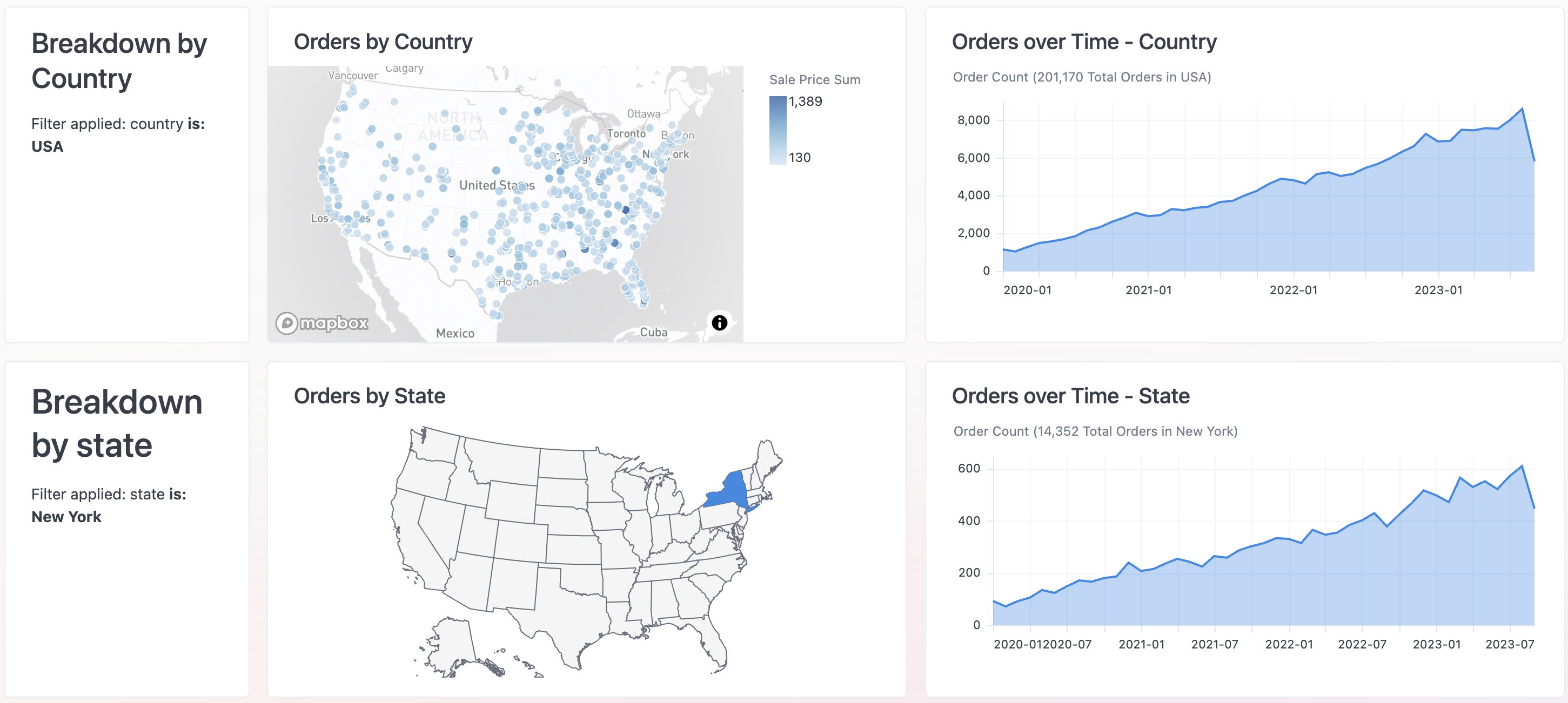
For example, the **Breakdown** tiles on the left side of the following image use Mustache to dynamically insert the current value of a filter:
## Creating dynamic content with Mustache
Omni supports [Mustache syntax](https://mustache.github.io/mustache.5.html) in [Markdown visualizations](/visualize-present/visualizations/types/markdown) and Markdown tiles, making it easy to add dynamic content to your dashboards.
For example, the **Breakdown** tiles on the left side of the following image use Mustache to dynamically insert the current value of a filter:
 Check out the [Dynamic dashboard content guide](/visualize-present/dynamic-content) for more information and examples.