> ## Documentation Index
> Fetch the complete documentation index at: https://docs.omni.co/llms.txt
> Use this file to discover all available pages before exploring further.
# Data readout
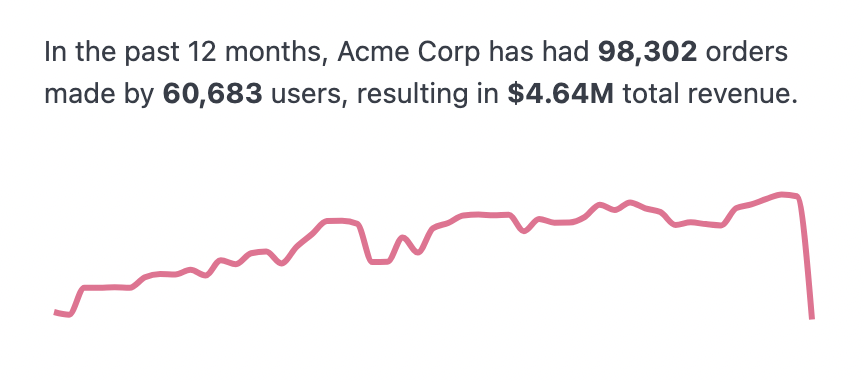
> Build a sparkline with descriptive text using Markdown visualization in Omni, referencing live query values in the results set.
The code for this example can be used in the Markdown visualization to create a sparkline visualization with a description. The description uses to reference values in the results set.
 ## Example code
```html wrap theme={null}
In the past 12 months, Acme Corp has had **{{result._totals._first.order_items.order_count.value}}** orders made by **{{result._totals._first.users.count.value}}** users, resulting in **{{result._totals._first.order_items.sale_price_sum.value}}** total revenue.
## Example code
```html wrap theme={null}
In the past 12 months, Acme Corp has had **{{result._totals._first.order_items.order_count.value}}** orders made by **{{result._totals._first.users.count.value}}** users, resulting in **{{result._totals._first.order_items.sale_price_sum.value}}** total revenue.
```