> ## Documentation Index
> Fetch the complete documentation index at: https://docs.omni.co/llms.txt
> Use this file to discover all available pages before exploring further.
# contentPath
> Defines the starting page when the embed user logs into the iframe.
This parameter is **required** to create valid embed requests.
In the **Embed URL Builder**, this is the **Content path** field.
## Syntax
```markdown theme={null}
contentPath=
```
## Properties
The URL-encoded path to the starting page. Click the following toggles to view examples for each of the pages you can use as a starting page.
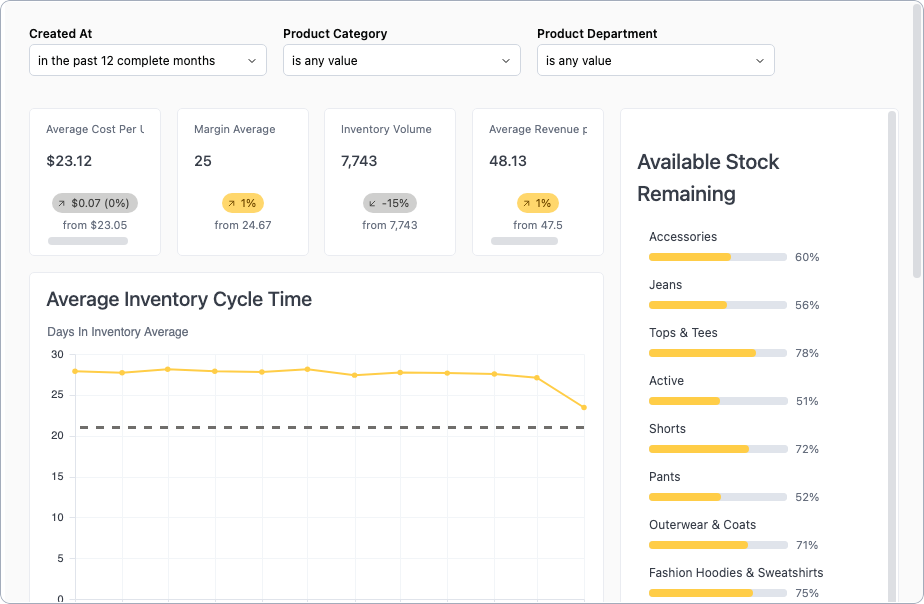
If the starting content path is a dashboard path, Omni provides a 24 hour `VIEWER` content permit to that dashboard for that user.
```markdown title="/dashboards/" theme={null}
contentPath=%2Fdashboards%2Fa6908f35
```
 ```markdown title="/w//duplicate" theme={null}
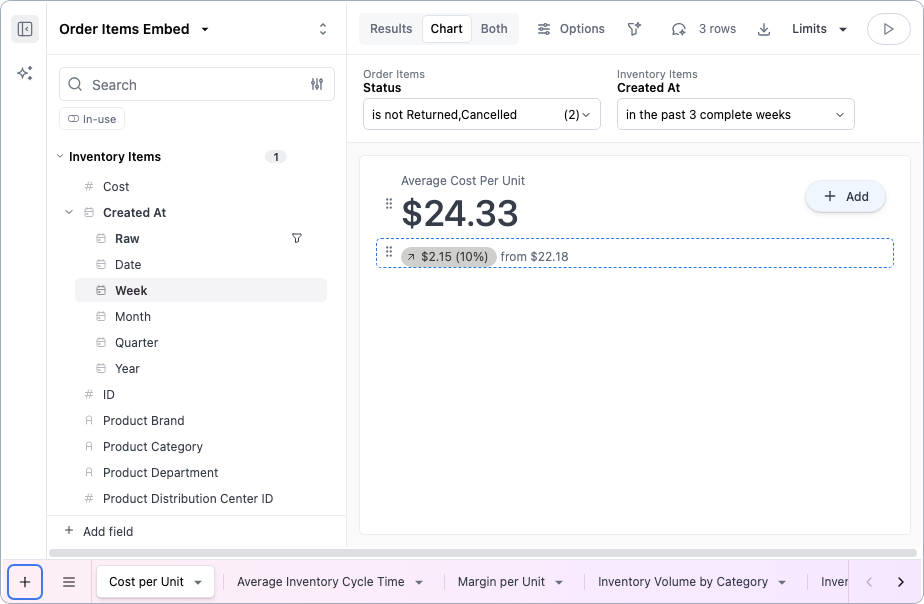
contentPath=%2Fw%2Fa6908f35%2Fduplicate
```
```markdown title="/w//duplicate" theme={null}
contentPath=%2Fw%2Fa6908f35%2Fduplicate
```
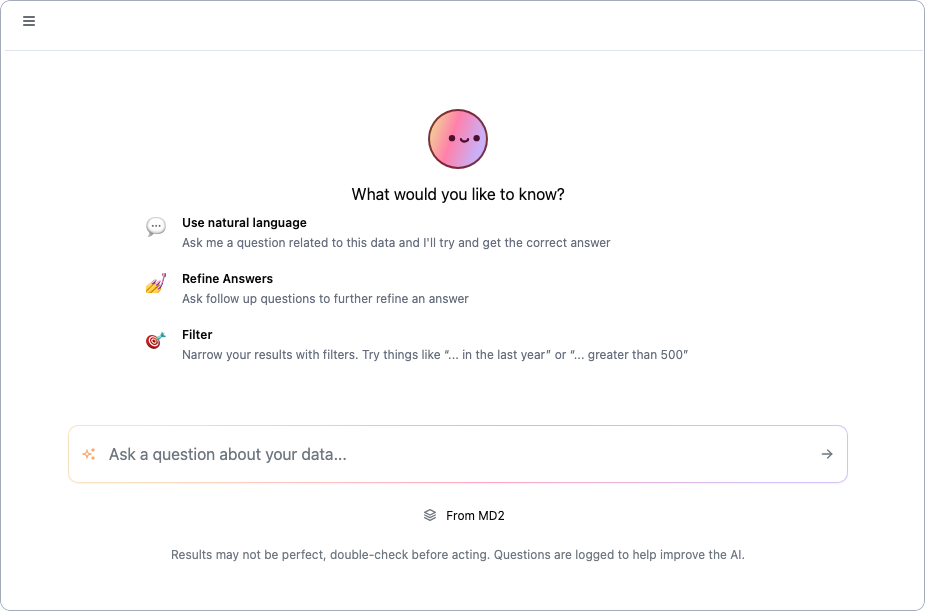
 In this example, a [`connectionRoles`](/embed/setup/url-parameters/connectionRoles) parameter was also provided to associate the chat with a specific connection (`MD2`) and its models:
 ```markdown title="/my" theme={null}
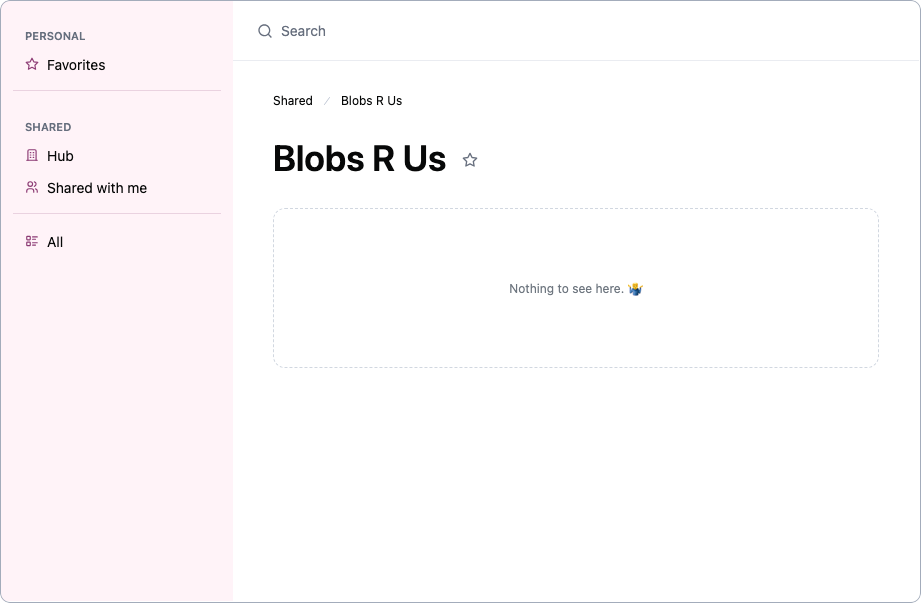
contentPath=%2Fmy
```
```markdown title="/my" theme={null}
contentPath=%2Fmy
```
 An `entity` parameter is required when `/entity-folder` is used as the `contentPath`.
By default, the `entity` value will be used to create the entity folder. To provide a different name for the folder, use the [`entityFolderLabel`](/embed/setup/url-parameters/entityFolderLabel) parameter.
An `entity` parameter is required when `/entity-folder` is used as the `contentPath`.
By default, the `entity` value will be used to create the entity folder. To provide a different name for the folder, use the [`entityFolderLabel`](/embed/setup/url-parameters/entityFolderLabel) parameter.
 ## Examples
```markdown title="Dashboard path" theme={null}
contentPath=%2Fdashboards%2Fa6908f35
```
```markdown title="Workbook path" theme={null}
contentPath=%2Fw%2Fa6908f35%2Fduplicate
```
```markdown title="My Documents path" theme={null}
contentPath=%2Fmy
```
## Examples
```markdown title="Dashboard path" theme={null}
contentPath=%2Fdashboards%2Fa6908f35
```
```markdown title="Workbook path" theme={null}
contentPath=%2Fw%2Fa6908f35%2Fduplicate
```
```markdown title="My Documents path" theme={null}
contentPath=%2Fmy
```