> ## Documentation Index
> Fetch the complete documentation index at: https://docs.omni.co/llms.txt
> Use this file to discover all available pages before exploring further.
## Submitting Feedback
If you encounter incorrect, outdated, or confusing documentation on this page, submit feedback:
POST https://docs.omni.co/feedback
```json
{
"path": "/administration/chart-palettes/index",
"feedback": "Description of the issue"
}
```
Only submit feedback when you have something specific and actionable to report.
# Managing chart palettes
> Predefined color palettes help you apply consistent colors across charts, workbooks, and dashboards.
Omni includes [several discrete and continuous palettes](/administration/chart-palettes/omni), and administrators can add custom ones for greater flexibility. Organization Admins can [set default palettes for the organization](/administration/chart-palettes/default) and optionally [create custom palettes](/administration/chart-palettes/custom).
## Requirements
**Organization Admin** permissions are required to create and modify custom color palettes in the **Settings > Chart palettes** page.
## Using palettes in visualizations
Chart palettes can only be used in X/Y style charts such as bar, scatter, line, etc.
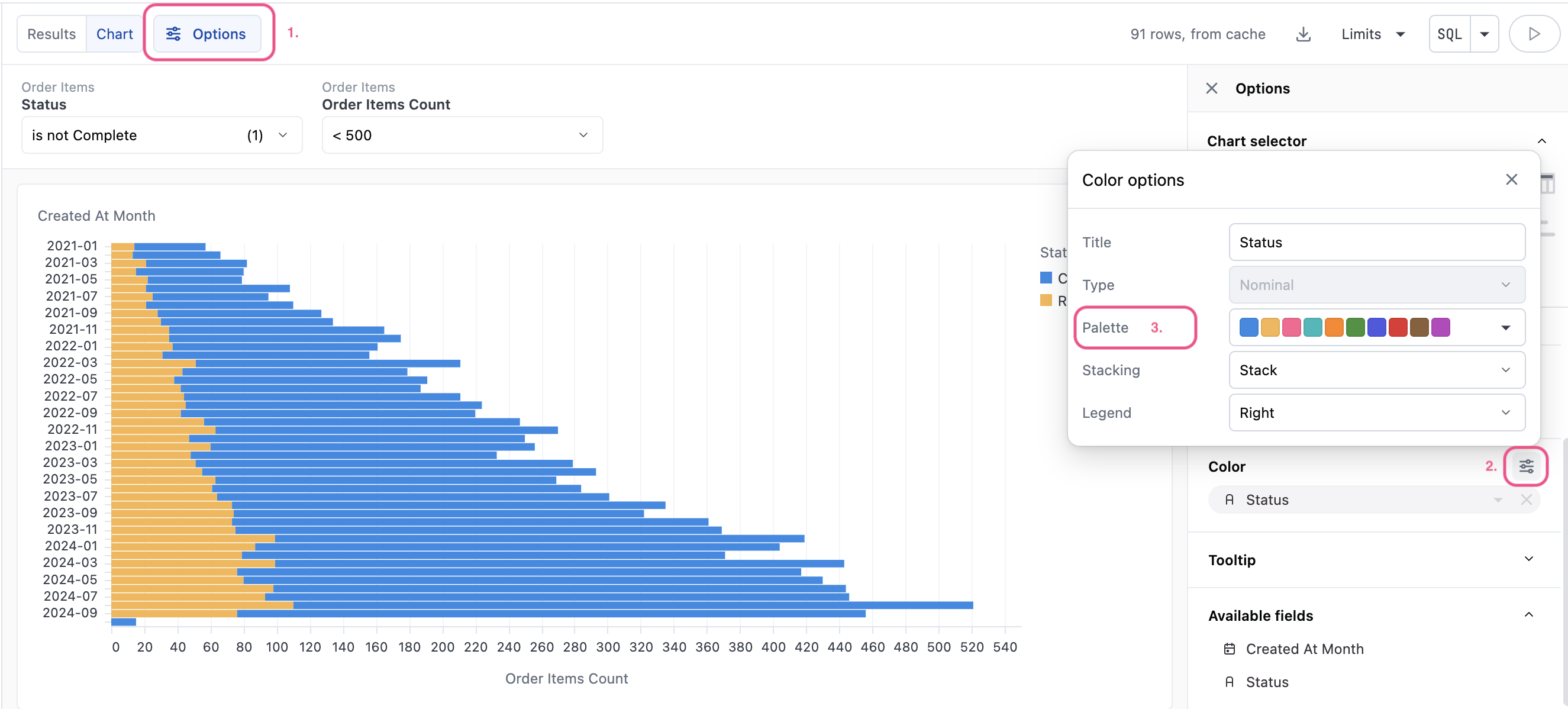
Chart palettes are currently only used for color faceting. You can access the chart palettes from the **Options** panel in the **Color > Options** popup. Any [custom palettes](/administration/chart-palettes/custom) created for the organization will appear in the list before the [Omni-provided palettes](/administration/chart-palettes/omni).
For more on using palettes in visualizations, see the [Color by / Stacking documentation](/visualize-present/visualizations/configuration/color).